
After you clock out on the job screen the client pays. Earnings and tips move into your wallet. On your payout day we send completed amounts to your South African bank. You do not withdraw manually.
Weekly pays on Tuesdays for the previous week. Bi-monthly is the Tuesday near the 15th. Monthly is the last Tuesday.

From job to bank
Same idea as the in-app checkout slides, then your payout day.


Tips from the app
The same tips shown on your payout schedule screen.

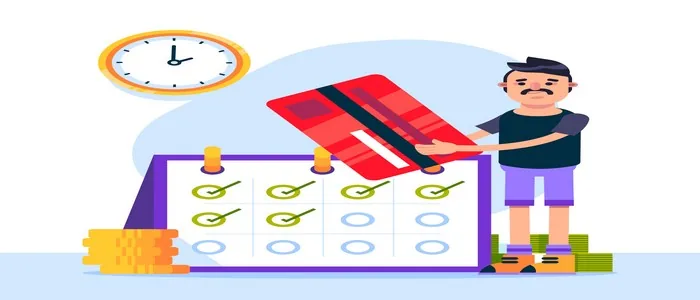

How it works
Client payment lands as earnings in the wallet, including Extra Time when paid.
Open Your earnings in Money. Earnings wait here in Rands until payout day.
We send completed amounts to your bank on your chosen schedule.
Money arrives in the account you saved. Wrong details delay the next run.
What to do
-
Save bank details carefully and choose Weekly, Bi-monthly or Monthly in payout schedule.
-
After the client pays, check Your earnings for the job amount, Extra Time and any tip.
-
On payout day, confirm the transfer landed. If not, fix bank details before the next batch or contact help@jobzapp.com.
Wrong bank details or an unpaid job leave money sitting in the wallet. Fix details before the next Tuesday run so the transfer can succeed.