
Once you are booked, the job screen is where you head to the shift, arrive on site, take unpaid breaks (Pause), handle paid time past the booked end (Extra Time), and finish. Follow the actions in order so the client can track you and pay lands correctly.
On the day
From heading out to starting work on site, this is what this job screen asks you to do.




Taking a break
On this job screen, an unpaid break is Pause. Use Restart when you are back on the tools.

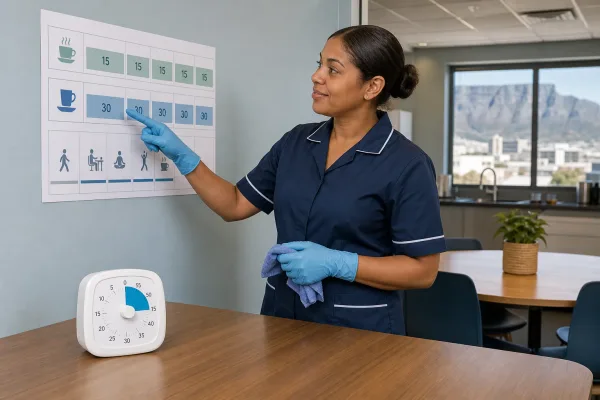

Extra time
If the client needs you longer, they approve Extra Time on the job and pay it as a separate charge. You are notified by app and email when Extra Time is paid. It is not something you arrange or collect in cash on WhatsApp.
| Point | What it means for you |
|---|---|
| Paid end time | The booked end plus any Extra Time minutes the client has already paid. Closing reminders use this end, not the original booked end alone. |
| Clock out prompt | Around that paid end you may get an app or email notice and a WhatsApp Clock out button. Clock out when the work is finished. |
| Auto clock-out | If you are still Busy or on Pause 30 minutes after the paid end, the app ends your time at that paid end. |
| Pay | Extra Time pay is separate from the main job pay. Both land in your wallet in Rands once the client has paid. |
After you clock out
What happens once the shift is finished.



This job screen is where you use En Route, clock in on site, open Chat or Call, and finish. Missing a deadline here can lose the shift or delay pay.